 |
Skylicht Engine
|
|
Skylicht Engine
|
Welcome to the Skylicht-Engine API documentation. Here you'll find any information you'll need to develop applications with the Skylicht Engine.
For more information on how to install and build this library, you can refer to the Readme.md file.
To update to the latest version, please visit github: skylicht-engine
You can start by looking at the topics
You can call the build command InstallLibVCPrj2022.cmd in the BuildCommand directory after you have fully installed CMake and Visual Studio 2022.
You can call the build command InstallSharedLibVCPrj2022.cmd in the BuildCommand directory.
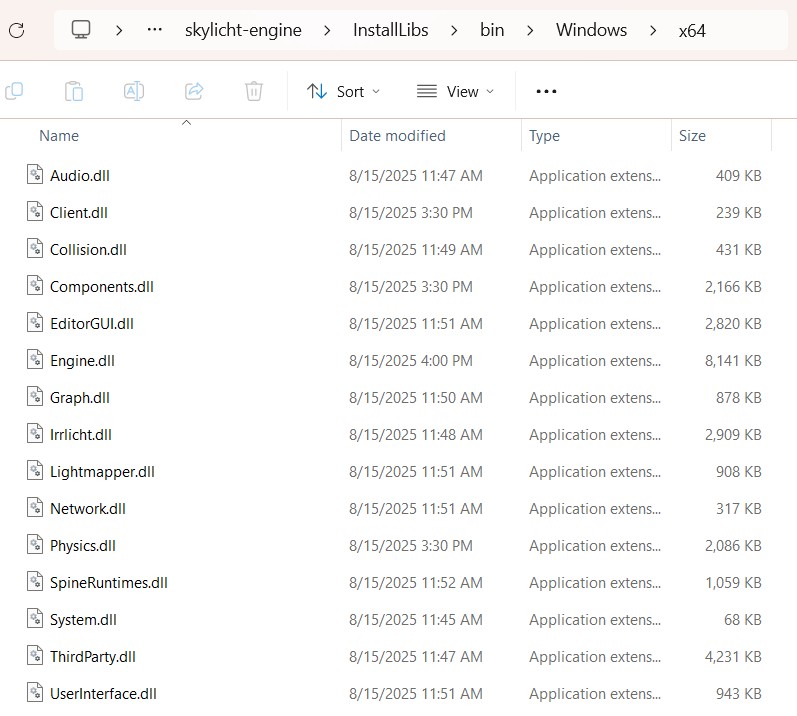
After building the Skylicht-Engine into a library, you can include the .h files and link the .lib files into your project.
This is a quick reminder: An application running on the Skylicht-Engine platform needs sufficient shader data to start. Therefore, you must copy all files from the Asset/BuildIn folder into your project.
You can check out the sample project.
 1.17.0