 |
Skylicht Engine
|
Loading...
Searching...
No Matches
|
Skylicht Engine
|
The object class holds data on an image, including the locations of sprites and frames on it. More...
#include <Graphics2D/SpriteFrame/CSpriteFrame.h>
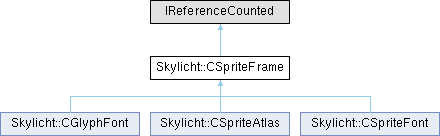
Public Member Functions | |
| bool | load (const char *fileName) |
| std::vector< SFrame * > & | getFrames () |
| SFrame * | getFrameByName (const char *name) |
| SFrame * | getFrameById (const char *id) |
| const char * | getId () |
| const char * | getPath () |
Protected Attributes | |
| std::vector< SImage * > | m_images |
| std::vector< SFrame * > | m_frames |
| std::vector< SModuleRect * > | m_modules |
| std::map< std::string, SFrame * > | m_names |
| std::map< std::string, SFrame * > | m_ids |
| bool | m_deleteAtlas |
| std::string | m_id |
| std::string | m_path |
The object class holds data on an image, including the locations of sprites and frames on it.
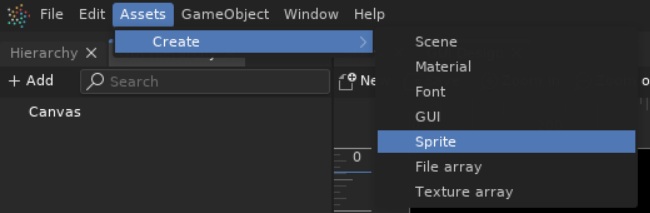
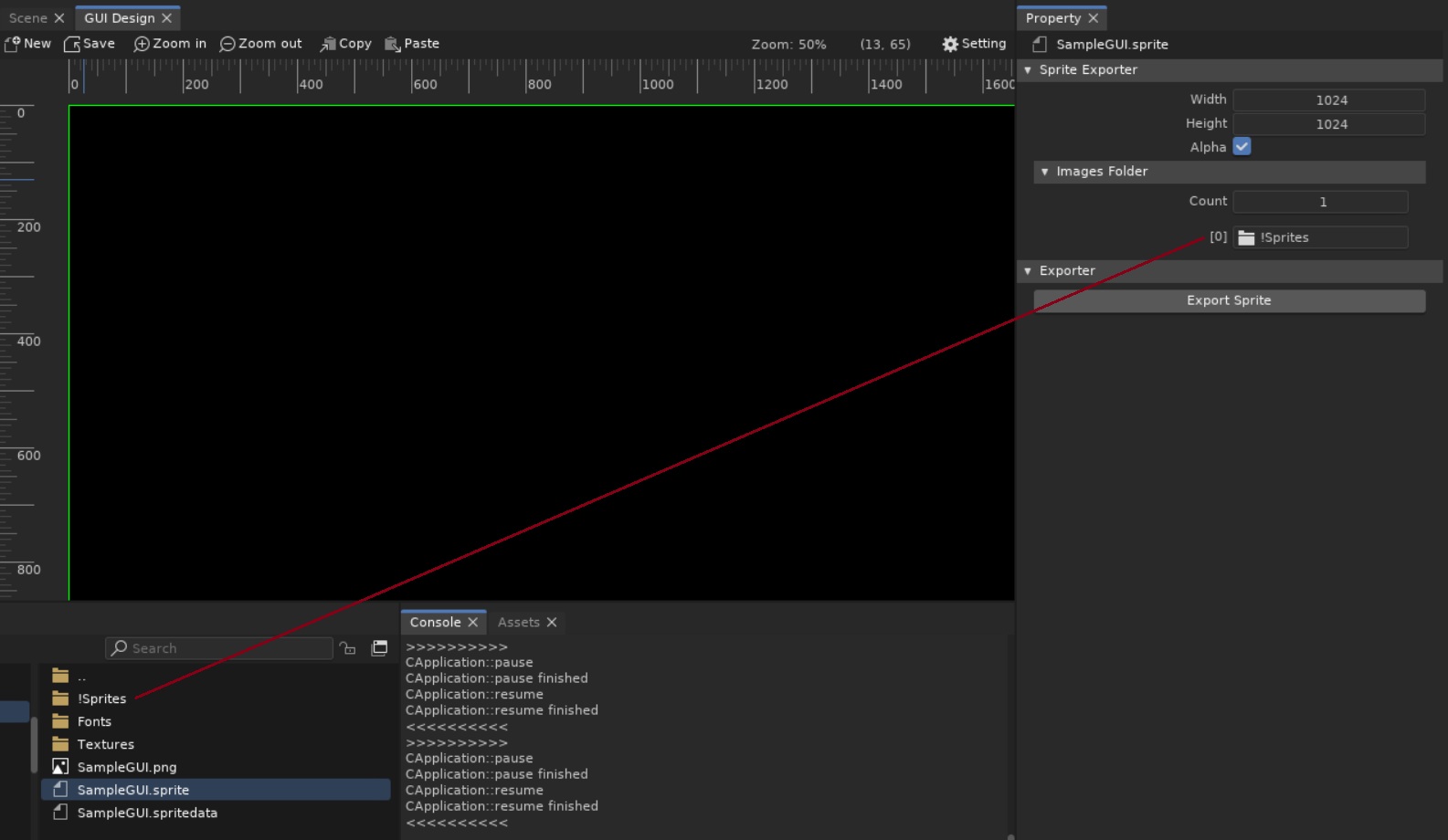
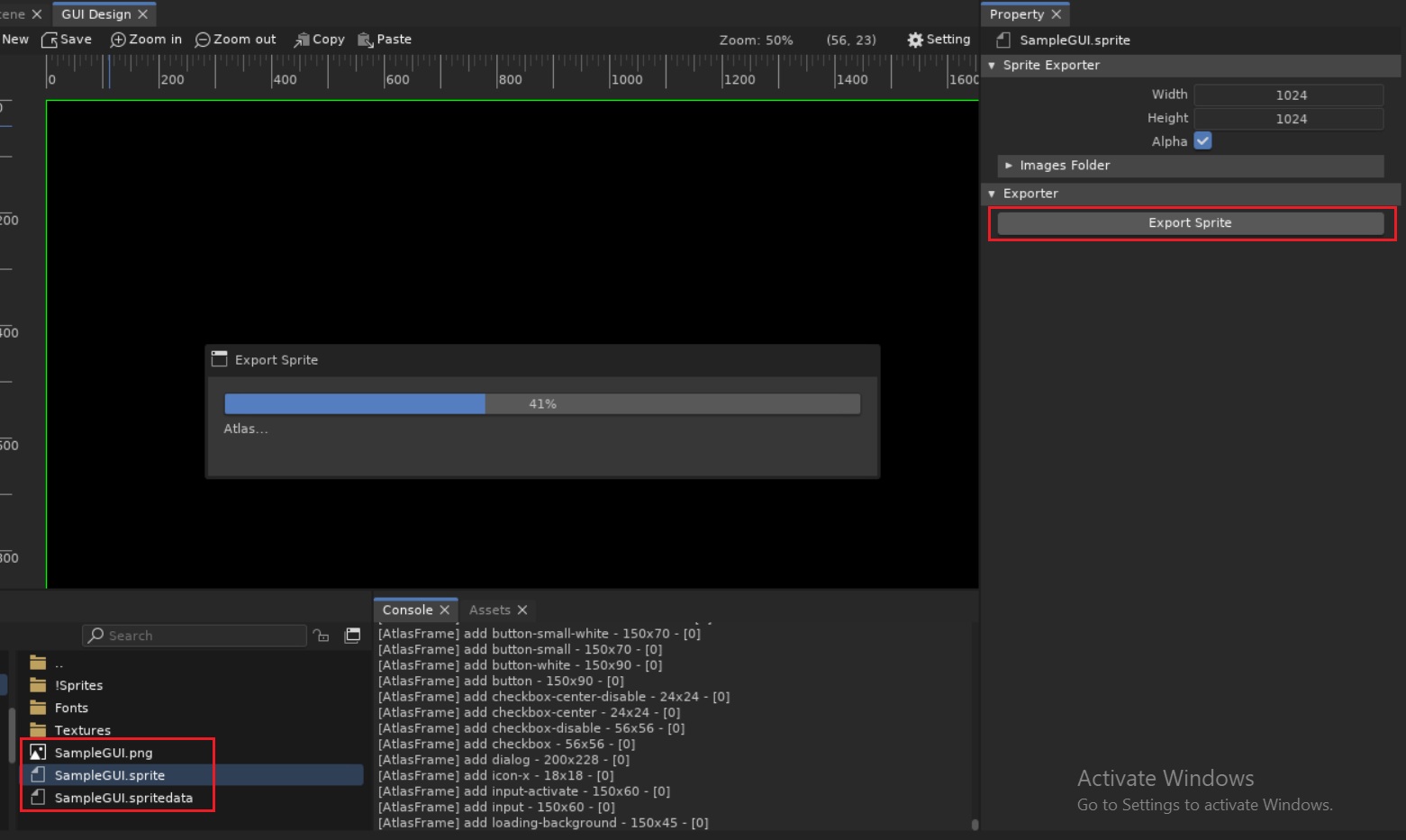
You can use the Skylicht-Editor to combine multiple image files into a single sprite file to optimize drawing calls. Use the CGraphics2D object or the CGUISprite, CGUIFitSprite to draw this sprite and image.
Skylicht-Editor
Editing .sprite properties
Export .spritedata
 1.17.0