 |
Skylicht Engine
|
Loading...
Searching...
No Matches
|
Skylicht Engine
|
This object class manages all other objects, it represents the data of a scene. More...
#include <Scene/CScene.h>
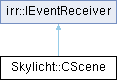
Public Member Functions | |
| void | releaseScene () |
| void | setName (const wchar_t *lpName) |
| void | setName (const char *lpName) |
| const char * | getNameA () |
| const wchar_t * | getName () |
| void | setVisibleAllZone (bool b) |
| void | updateAddRemoveObject () |
| void | updateIndexSearchObject () |
| virtual CGameObject * | searchObjectInChild (const wchar_t *name) |
| virtual CGameObject * | searchObjectInChildByID (const char *id) |
| virtual CEntity * | searchEntityInChildByID (const char *id) |
| u32 | searchObjectByCullingLayer (ArrayGameObject &result, u32 mask) |
| virtual CZone * | createZone () |
| virtual void | removeZone (CGameObject *zone) |
| CEntityManager * | getEntityManager () |
| int | getZoneCount () |
| CZone * | getZone (int i) |
| ArrayZone * | getAllZone () |
| void | bringToNext (CZone *object, CZone *target, bool behind) |
| CZone * | getZoneBefore (CZone *object) |
| void | registerEvent (const char *name, IEventReceiver *pEvent) |
| void | unRegisterEvent (IEventReceiver *pEvent) |
| virtual bool | OnEvent (const SEvent &event) |
| Called if an event happened. | |
| virtual void | update () |
| CObjectSerializable * | createSerializable () |
| void | loadSerializable (CObjectSerializable *object) |
| Public Member Functions inherited from irr::IEventReceiver | |
| virtual | ~IEventReceiver () |
| Destructor. | |
Protected Types | |
| typedef std::pair< std::string, IEventReceiver * > | eventType |
Protected Attributes | |
| std::wstring | m_name |
| std::string | m_namec |
| ArrayZone | m_zones |
| CEntityManager * | m_entityManager |
| std::vector< eventType > | m_eventReceivers |
This object class manages all other objects, it represents the data of a scene.
A scene can be constructed programmatically, or you can use an Skylicht-Editor to create and arrange objects.
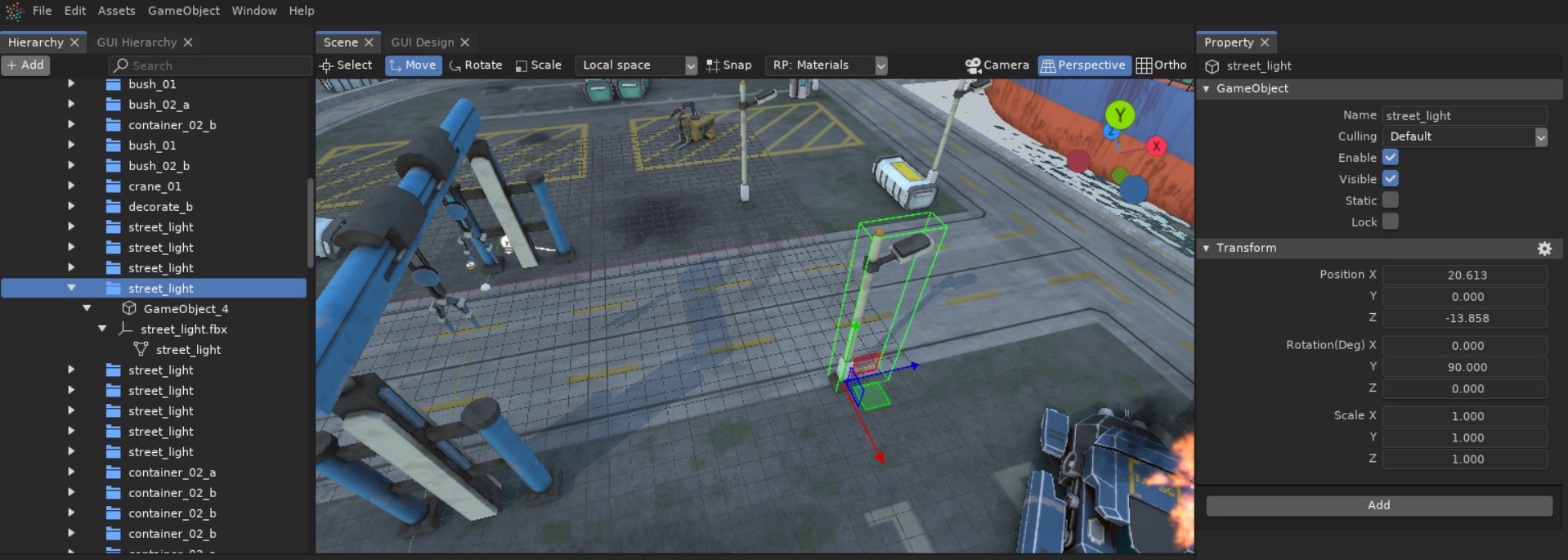
When a scene is created in the editor and saved as a .scene file, you can use CSceneImporter to load all the data back into CScene.
Additionally, in some cases, you can manually create a scene using code, as shown below:
To render the scene to screen, you first need to set up the Render Pipeline, and then call render method from the Pipeline.
|
virtual |
Called if an event happened.
Please take care that you should only return 'true' when you want to prevent Irrlicht from processing the event any further. So 'true' does mean that an event is completely done. Therefore your return value for all unprocessed events should be 'false'.
Implements irr::IEventReceiver.
 1.17.0